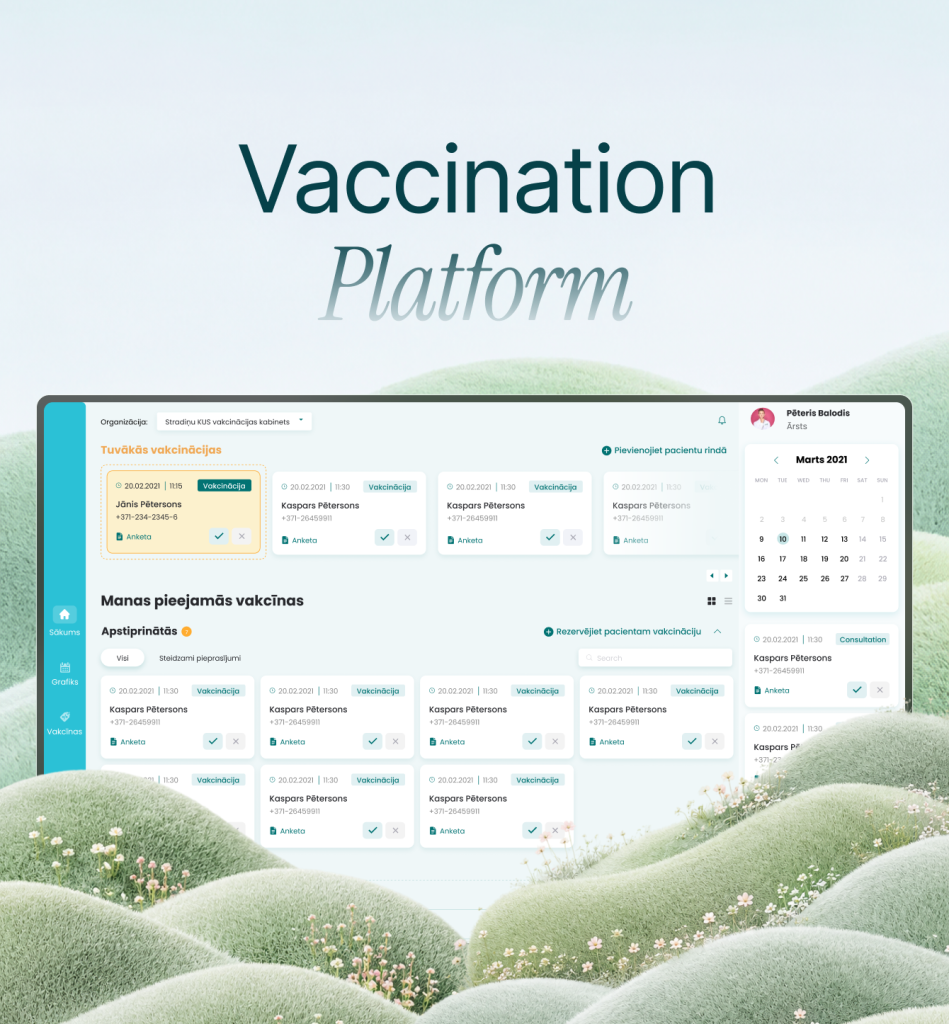
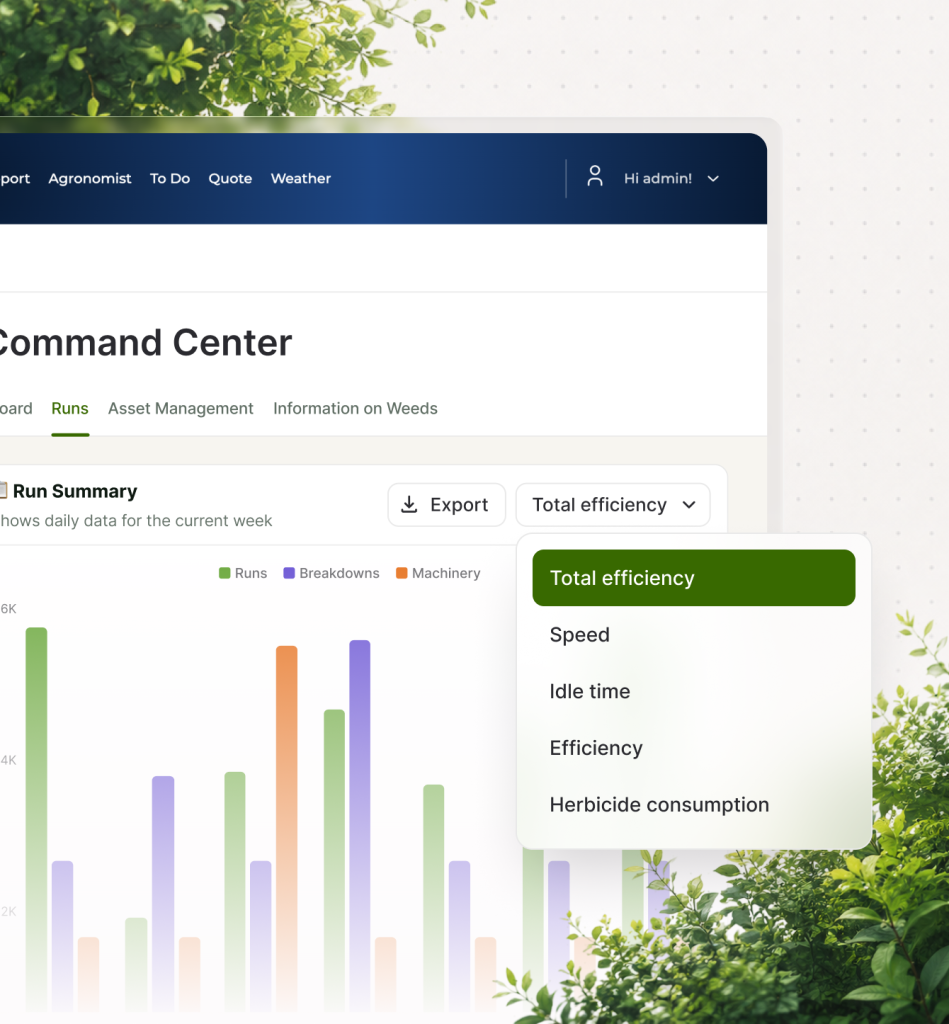
Service: UI / UX Design

UI and UX design in complex software systems is not about visual refinement alone — it is about shaping how people actually work with the system in real operational conditions. We focus on understanding workflows, user roles, and constraints that define how a product is used in practice. We then translate these into interaction structures that improve clarity, reduce friction, and support consistent adoption over time. 

LET’S GET STARTED
WHEN UX DESIGN BECOMES TRULY CRUCIAL
Adoption of Internal Tools

Adoption of Internal Tools

When employees or partners avoid using a system in favor of spreadsheets or workarounds, expert tweaks to UX can improve adoption, saving the corporate data consistency.

Complex Multi-Step Workflows

Complex Multi-Step Workflows

When tasks involve multiple steps, roles, or approvals, the impact of interaction design grows until it either slows down or accelerates execution, impacting efficiency.

Multi-Role / Multi-Stakeholder Systems

Multi-Role / Multi-Stakeholder Systems

When the same platform is used by different types of users (internal teams, customers, partners), the consistency of navigation and structure helps avoid confusion.

Data-Rich Interfaces, Dashboards

Data-Rich Interfaces, Dashboards

When users have to interpret large amounts of information, good hierarchy and structuring of UI elements can help improve the speed of decision making and overall clarity.

Customer-Facing Products

Customer-Facing Products

When users interact with a product directly (web, mobile, SaaS), even small UX issues can aggregate enough to very noticeably impact conversion and retention figures.

Evolving Systems With Accumulated Features

Evolving Systems With Accumulated Features

When software grows “organically” over time, interfaces often become inconsistent — so that UX development or redesign reduces onboarding time and improves overall efficiency.

Adoption of Internal Tools

Adoption of Internal Tools

When employees or partners avoid using a system in favor of spreadsheets or workarounds, expert tweaks to UX can improve adoption, saving the corporate data consistency.

Complex Multi-Step Workflows

Complex Multi-Step Workflows

When tasks involve multiple steps, roles, or approvals, the impact of interaction design grows until it either slows down or accelerates execution, impacting efficiency.

Multi-Role / Multi-Stakeholder Systems

Multi-Role / Multi-Stakeholder Systems

When the same platform is used by different types of users (internal teams, customers, partners), the consistency of navigation and structure helps avoid confusion.

Data-Rich Interfaces, Dashboards

Data-Rich Interfaces, Dashboards

When users have to interpret large amounts of information, good hierarchy and structuring of UI elements can help improve the speed of decision making and overall clarity.

Customer-Facing Products

Customer-Facing Products

When users interact with a product directly (web, mobile, SaaS), even small UX issues can aggregate enough to very noticeably impact conversion and retention figures.

Evolving Systems With Accumulated Features

Evolving Systems With Accumulated Features

When software grows “organically” over time, interfaces often become inconsistent — so that UX development or redesign reduces onboarding time and improves overall efficiency.

01 / 06
HOW WE WORK: OUR UI / UX DESIGN PROCESS
01

Analyzing system usage

We start by looking at how people really work inside your product — roles, workflows, edge cases. This helps define where friction really appears and validate assumptions.

02

Mapping user flows and decisio

Here, we define how users move through the system and where decisions, inputs, and transitions happen — creating a clear structure for interaction design.

03

Designing and validating inter

We design interfaces that reflect real usage patterns and test them early in the process. The focus is on consistency, and reducing unnecessary cognitive load.

04

Iterating based on real usage

Once implemented, we refine UX based on how the system is actually used: friction points, misunderstandings, inefficiencies — all identified, fixed, and used for improvement.

01

Analyzing system usage

We start by looking at how people really work inside your product — roles, workflows, edge cases. This helps define where friction really appears and validate assumptions.

02

Mapping user flows and decisio

Here, we define how users move through the system and where decisions, inputs, and transitions happen — creating a clear structure for interaction design.

03

Designing and validating inter

We design interfaces that reflect real usage patterns and test them early in the process. The focus is on consistency, and reducing unnecessary cognitive load.

04

Iterating based on real usage

Once implemented, we refine UX based on how the system is actually used: friction points, misunderstandings, inefficiencies — all identified, fixed, and used for improvement.

01 / 04
Our Services: From Concept to Growth

We treat user experience as part of the operational system being developed — and focus on reducing friction and ensuring usability as the system becomes more complex over time.

<40%↓

Up to 40% reduction in late-stage corrections / redesign cycles

What you get:
  • User and role behavior analysis
  • Workflow and interaction mapping
  • Identification of usability friction points
  • UX requirements for complex systems

Often, the system being designed is complex enough to be used across vastly different roles and operational conditions. This is where structured UX research helps identify possible inconsistencies or mismatches between intended and actual usage early on, so that they don’t “bleed” into correction cycles later. A well-formulated vision of the future system with UX accounted for allows your organization to adopt it more easily and avoid having to resort to manual overrides or workarounds during use.

Build the right product from the start.

WHY OUTSOURCE UX DESIGN?

UX design in complex software systems sits at the crossroads of product thinking, system architecture, and actual user behavior. It’s only natural that internal teams have the best understanding of the product or business context, but this is where the trap is: they are often too close to existing workflows and assumptions. Outsourcing UX development helps introduce an external perspective that is often closer to how new users will view the system — and also incorporating professional expertise in similar systems.

When outsourcing UX makes the most impact:

  • When internal teams are too close to existing workflows to challenge them objectively
  • When systems have grown organically and UX consistency has decreased over time
  • When multiple user roles and interfaces need to be aligned
  • When there’s need to reduce uncertainty before large-scale redesign or scaling
  • When you want to validate UX decisions against experience from similar systems
COMPLEX SYSTEMS WE WORK ON WHERE UX DESIGN BECOMES CRITICAL

Enterprise Operational Platforms

Large internal systems used across departments where workflows, approvals, and reporting processes intersect — with risk of fragmentation across roles and teams to prevent.

ERP / CRM-Based Ecosystems

Business systems where core operations depend on structured data entry, multi-step processes, and navigation across modules.

SaaS Products with Multi-Role User Bases

Products serving different customer types (admins, end users, managers, partners) where UX must balance flexibility with clarity across varied usage contexts.

Legacy Systems Under Active Extension

Older systems that have grown organically over time and now require new modules or interfaces. Here, we work on restoring consistency and reducing accumulated usability debt.

UI/UX partner aligning systems with workflows
Client's problem
  • Interfaces designed around system structure rather than real workflows
  • Different teams using the same system in inconsistent ways
  • Growing operational complexity reflected directly in the UI
  • Reliance on manual workarounds and informal process knowledge
  • Low adoption of new functionality despite ongoing development efforts
Solution

UX design based on role-specific interaction models and workflow mapping across connected processes — thus going one step further than just “beautiful interfaces”.

Design interfaces that support how work actually happens, not just how the system was originally structured.

Book a meeting
What Our Clients Say

Rating on Clutch [ 45 reviews ]

Alex Brunner

CEO, RetailEdge

Alex Brunner
Alex Brunner
"Working with Lionwood was a game changer for our e-commerce operations. They built a custom inventory management system that practically eliminated human error and dramatically cut our fulfillment time."
View Case

Jonas Scherf

Online marketing manager, scoutbee

Jonas Scherf
Jonas Scherf
"Thanks to the contributions of the Lionwood.software team, the company saw their web traffic increase by as much as four times than when they started the project. The team's flexibility and communication allowed them to cultivate a positive working atmosphere during the…
View Case

Dmitri Olenev

Founder, EduSpark

Dmitri Olenev
Dmitri Olenev
"The mobile learning app Lionwood delivered for us has been transformative. User engagement skyrocketed and our churn dropped significantly within the first quarter after launch. Highly recommended."
View Case
HAVE A PROJECT IN MIND? LET’S TALK

What is your project about? Share a few details and we’ll respond with practical next steps and a realistic view of scope and approach.

Read More
Frequently Asked Questions

A UX design company works to structure how users interact with the digital product by means of user research, workflow analysis, and finally, interface design itself. This includes defining the user journey, identifying friction points, and translating business requirements into an intuitive system that supports real operational needs.